How to Send Wedding Invitations on WhatsApp (Without Annoying Anyone)
Most Pakistani wedding invitations now travel on WhatsApp, and it works best with a plan. Call the closest elders personally, then send them the invitation. Send everyone else the invitation in one-to-one messages or through a broadcast list, not a group, about two to three weeks before the first function. And send one short reminder two or three days before each function. Below is the full etiquette: what to write, who gets a call instead of a message, and the mistakes that make an invitation feel like spam.
When to send
- Save the date (optional): four to six weeks before, if dates were only just confirmed or guests need to travel.
- The invitation: two to three weeks before the first function. Much earlier and people forget; much later and out-of-town family can't plan.
- A reminder: two or three days before each function, especially for guests invited to more than one.
- Elders and very close family: a phone call or voice note first, with the invitation sent afterwards. Never a cold message as their only invitation.
If the functions are spread across a week, sending one invitation that carries the Mehndi, Baraat, Nikah and Walima means guests don't receive five separate messages.
Etiquette that matters more on WhatsApp than on paper
A printed card delivered by hand signals effort. A WhatsApp message looks the same whether it took five seconds or five weeks, so a few habits carry extra weight:
- Call the elders. A grandparent, the aunt who raised you, a friend of your parents' generation: these relationships deserve a call, with the invitation sent afterwards as a formality.
- Don't add guests to a group. Adding an aunt to a "Wedding Guests" group with forty strangers, where she can see everyone's number and every reply, is one of the most common complaints about digital invitations. Use one-to-one messages or a broadcast list.
- Write a line of your own before the link. "We would love you to join us," from the couple or a parent, makes it feel personally sent rather than mass-forwarded. It matters most for older guests.
- Send at a sensible hour. Late morning to early evening. Late-night messages get missed or feel careless.
Broadcast lists or groups?
- Broadcast list: one message that reaches each guest individually. Each person sees a normal message, replies privately, and cannot see who else received it. The right tool for a long guest list.
- Group: everyone sees everyone else, and every "Can't wait!" notifies the whole group. Useful for a small circle that is actively coordinating, like cousins helping with the Mehndi, and wrong for the guest list.
- One catch: a broadcast message only reaches people who have saved your number. For guests who haven't, send the invitation directly.
Separate links for guests invited to one function
Not every guest is invited to every function: a colleague may be invited only to the Walima, a friend only to the Mehndi. Sending everyone a link that lists every function can confuse people, or make a Walima guest think they were invited to the whole wedding. Niru's guest-list cards solve this with a separate link for a group, such as a Walima-only link, showing only what that group is invited to.
Reminders without being a nuisance
One reminder two or three days before a function is normal and expected, especially if the guest replied weeks ago. A second message on the morning of the function, only to those who haven't replied at all, is reasonable when the caterer needs a final number. More than that starts to feel like chasing.
Common mistakes
- Forwarding instead of sending fresh. The "Forwarded" label feels impersonal, especially to elders. Copy the text into a new message instead.
- A bare link with no name. From a number someone hasn't saved, a link alone looks like spam. "Assalam o alaikum Aunty, this is Rania, sending you the details of our Mehndi and Baraat" fixes it.
- Posting the link publicly. Putting the invitation on a public Instagram story or in a large public group, when it was meant for your guest list, invites people you didn't intend.
Keeping the link private
Anyone who has an invitation link can open it. That is deliberate, because guests shouldn't need an app or a password to see wedding details, but it means you should be deliberate about where you post it. A Niru invitation is kept out of search engines, but its address includes your names, so treat it like a printed card: share it with the people you are inviting, not publicly. If one side of the family needs a separate guest list, a separate guest-list link keeps that boundary.
Where a digital invitation fits
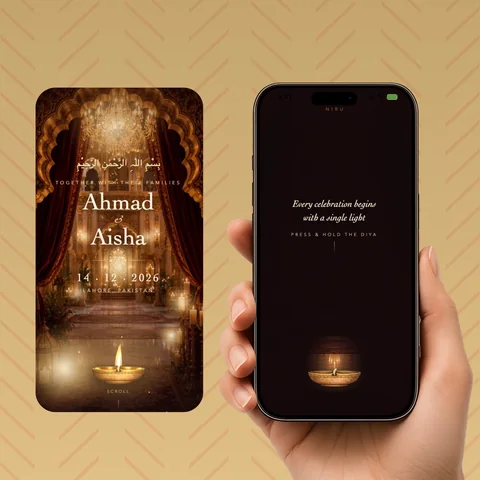
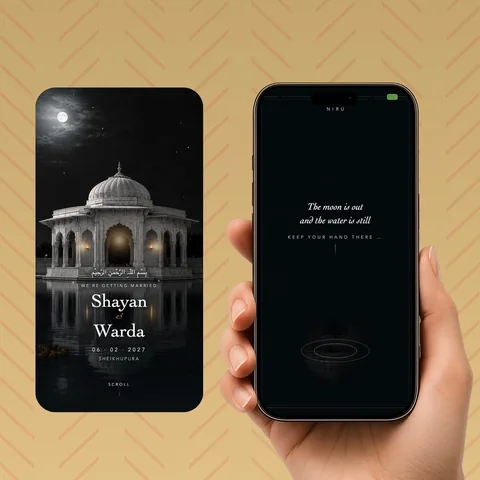
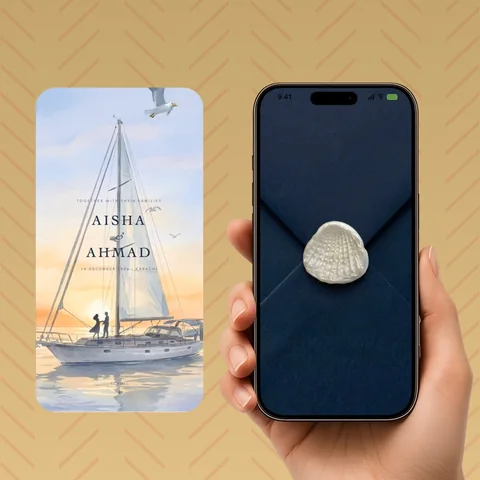
A link opens instantly in any phone's browser with no app or login, which is exactly what WhatsApp sharing needs. See wedding invitations built for WhatsApp, or read how RSVP tracking works once the invitations are out.